Locked out? New in 0.12
Forgotten your password? Here are the ways back in, from the most common to the last resort.
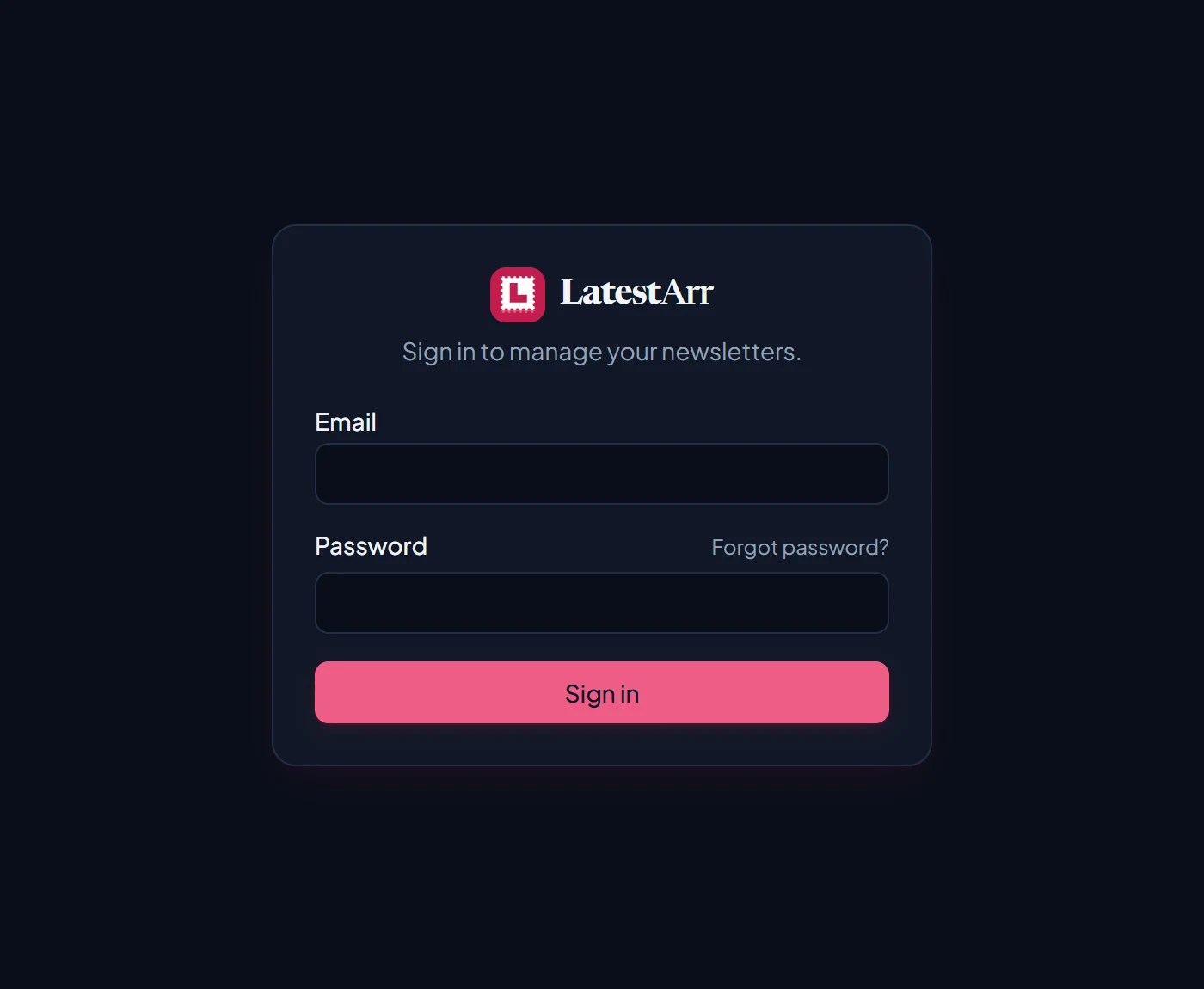
Ask another admin
On the Users page, another admin can Reset password for you. You get a temporary password, are signed out everywhere, and choose your own at your next sign-in. This is why the setup checklist suggests a second admin account.
Use Forgot password?
Forgot password? on the sign-in page emails you a link that works once, for 30 minutes. It only appears when:
- an admin has chosen a System email profile on the SMTP Profiles page, and
WEB_ORIGINmatches the address you use for LatestArr. Otherwise the links would be broken, and the SMTP Profiles page says so.
Asking always gives the same answer, so it doesn’t reveal which emails have accounts. An account gets at most one email every couple of minutes, and there’s a limit of 5 requests every 15 minutes.
Use the recovery command
It works even without email. Anyone who can run commands on the server already controls the install, so that’s the proof of ownership:
docker exec -it latestarr node dist/cli.js reset-password --email you@example.comIt asks for the new password twice, without showing it, then signs that account out everywhere and reactivates it if it was deactivated. Nothing secret is printed.
Recovery command options
| Command | What it does |
|---|---|
reset-password --email <email> | Asks for a new password and sets it. |
reset-password --email <email> --password-stdin | Reads the password from standard input, for scripts: printf %s "$PASSWORD" | docker exec -i latestarr node dist/cli.js reset-password --email you@example.com --password-stdin |
list-admins | Lists the admins, if you’ve forgotten which email you used: docker exec -it latestarr node dist/cli.js list-admins |
Both commands are recorded on the Logs page. If your container
has a different name, use that in place of latestarr.
Signing in with SSO? Your password lives with your SSO provider, so reset it there. If the provider itself is down, the recovery command can give your account a password as well.