SSO with OIDC
LatestArr can sign you in through any standard OpenID Connect provider. It’s been used with Authelia, Authentik, and Keycloak. It uses the authorization code flow with PKCE.
SSO only ever creates the first account, on a fresh instance. After that, it signs people in to accounts that already exist, matched by a verified email address. See Existing accounts.
Setup
Register a client with your provider
Create an OIDC client (a confidential client with a secret is typical). Set its redirect URI to:
https://newsletter.example.com/api/auth/oidc/callbackusing your own WEB_ORIGIN in place of https://newsletter.example.com.
Set the environment variables
WEB_ORIGIN=https://newsletter.example.com
OIDC_ISSUER=https://auth.example.com
OIDC_CLIENT_ID=latestarr
OIDC_CLIENT_SECRET=your-client-secret
OIDC_REDIRECT_URI=https://newsletter.example.com/api/auth/oidc/callback
# OIDC_SCOPES=openid profile email
OIDC_ISSUER must serve its discovery document at
<issuer>/.well-known/openid-configuration. OIDC_REDIRECT_URI must match what you registered
exactly.
Restart
docker compose up -dSign in
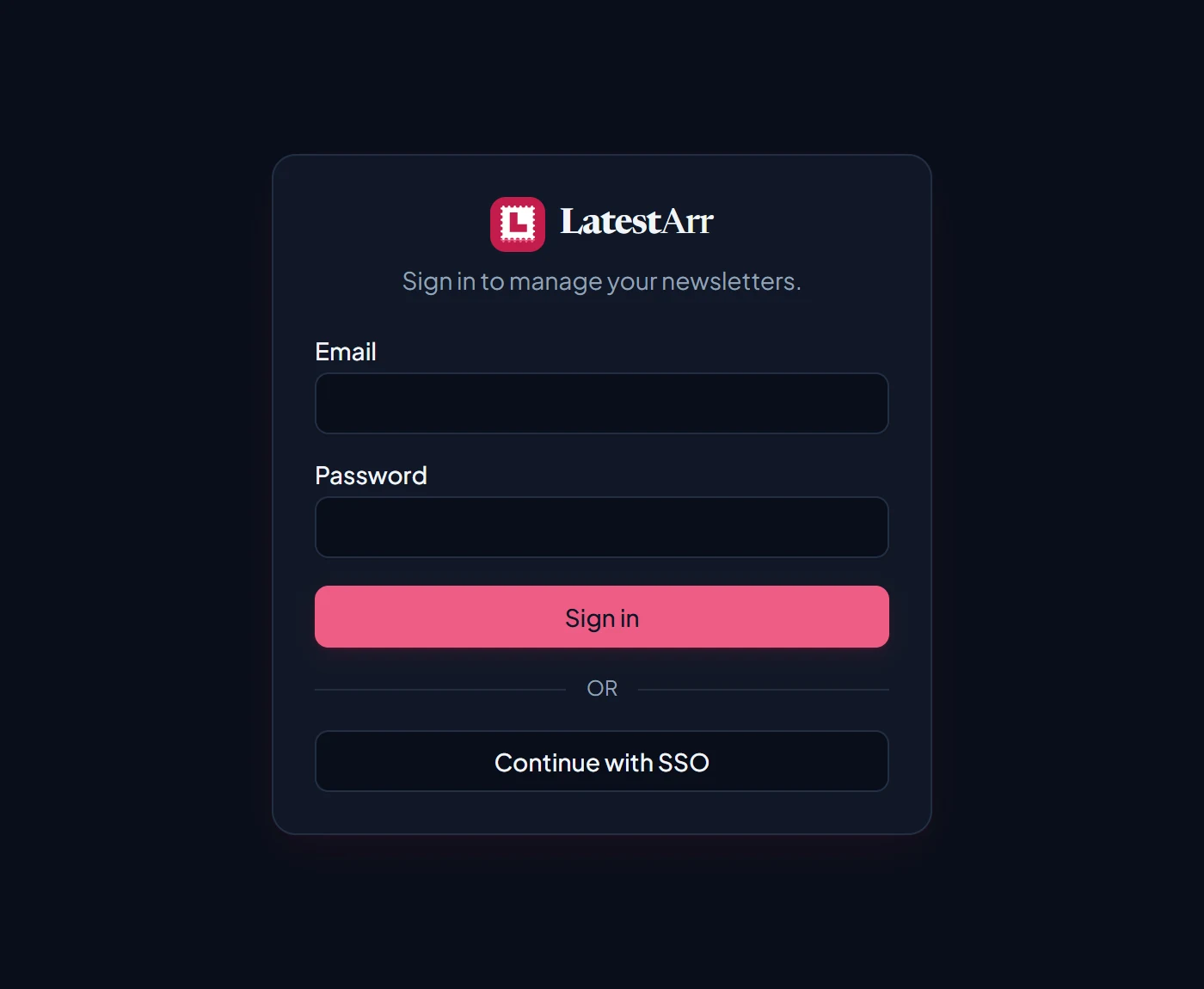
On a fresh instance, signing in with SSO creates the admin account. After that, the same identity signs you in.
Local username and password sign-in stays available alongside SSO.
Existing accounts New in 0.11
Once any account exists, SSO never creates new ones. Instead, the first time someone signs in
with SSO, LatestArr links their identity to the active account with the same email address, as
long as the provider marks that email as verified (the email_verified claim). After that, the
link is used and the email no longer matters.
- Your own local admin: if its email matches the one your provider uses, just sign in with SSO. If it doesn’t, add a user with your provider’s email and sign in with that instead.
- Someone new: add them on the Users page with the email their provider uses, and leave the password blank. They can sign in with SSO straight away.
If sign-in fails with “No local account is linked to this SSO identity”, there’s no active account with that email, or the provider didn’t mark the email as verified.