A “what's new” newsletter for your media server.
LatestArr connects to Plex, Tautulli, Jellyfin, Emby, and your book, audiobook, and game libraries. It collects everything added recently and emails your users a clean, branded digest on a schedule you choose.
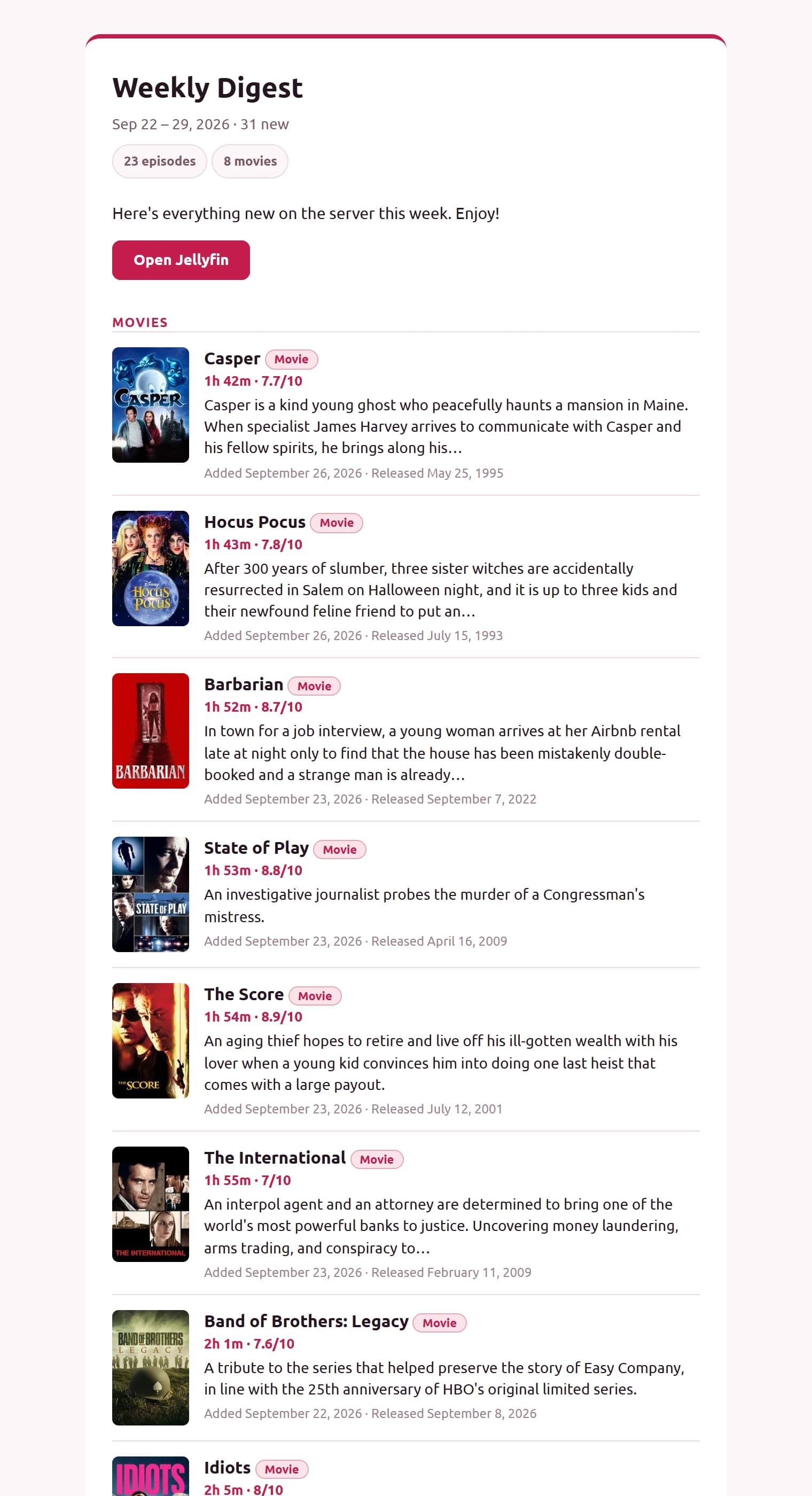
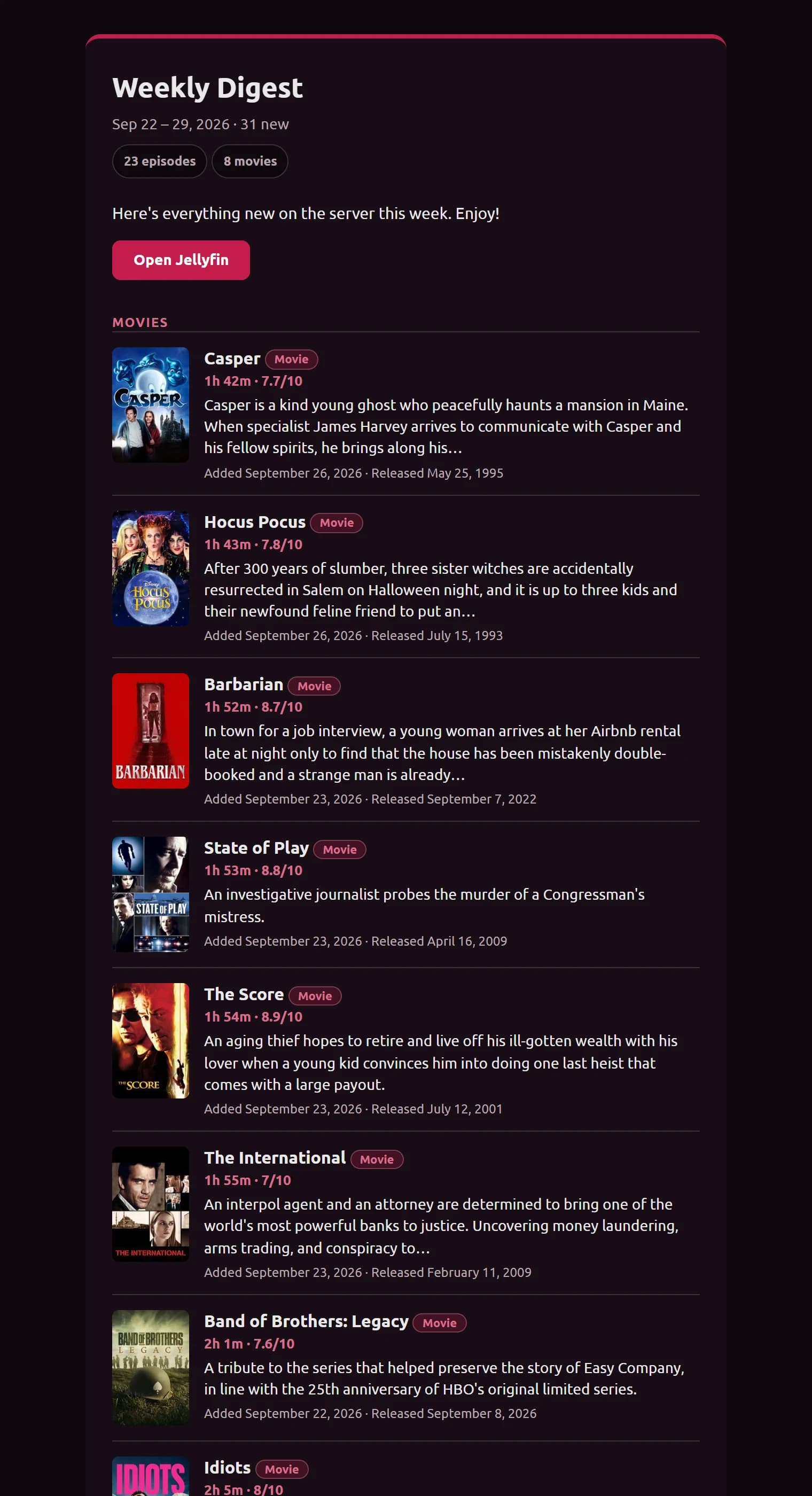
An issue from a demo server, using the Default design.
New in 0.12.0
Released October 13, 2026. Release notes · Before you upgrade
Roles
Viewer, editor, and admin, so others can help run newsletters without full access.
Automatic backups
A checked backup every night and before every upgrade, kept by your rules. Restore in three commands.
Recipient imports
Paste, CSV, or Excel, with groups. Review every change before it happens, and undo it after.
Subject variables
Subjects that change with each issue, like “{count} new from {period}”.
Logos and buttons
Add your logo, with a dark mode version, and choose the shape, size, and style of every button.
Send to the rest
Finish a send that only reached some people, without anyone getting it twice.
Works with what you already run
Mix sources in one newsletter or give each its own. Sources marked “Needs testers” haven't been confirmed on enough real servers yet; Jellyfin and Emby are built from their published documentation and haven't been tried on a real server yet. Help test them.
 Working
Tautulli
Movies, TV
 Needs testers
Plex
Movies, TV
 Needs testers
Jellyfin
Movies, TV, books, audiobooks
 Needs testers
Emby
Movies, TV, books, audiobooks
 Needs testers
BookLore
Books (OPDS)
 Working
BookOrbit
Books, audiobooks (OPDS)
 Needs testers
Grimmory
Books (OPDS)
 Needs testers
Audiobookshelf
Audiobooks
 Working
RomM
Games
Under consideration: Kavita, Komga, Calibre-Web, Immich, and more. Request a source.
Logos from selfh.st/icons (CC BY 4.0). Each is its project's trademark, used only to identify the integration; no affiliation or endorsement is implied.
Why LatestArr?
Tautulli's newsletter only speaks to Plex and gives you limited control over layout, scheduling, and branding. LatestArr is Plex-aware but not Plex-only, and you design the email yourself.
Sources
Plex, Tautulli, Jellyfin, Emby, book, audiobook, and game libraries. Test a connection before saving, and import your server's users as recipients. Runs on Intel and ARM, Raspberry Pi included.
Designs
Pick fonts, colours, layout, and what each item shows, add your logo, and style every button, with a live preview. No HTML needed, and a code mode when you want full control.
Scheduling
As many newsletters as you like, each with its own schedule, timezone, audience, and how far back it looks. If the server was down at send time, it catches up when it's back.
Delivery
Sends through your own email account or mail server. Everyone gets their own copy, posters are built into the email, and there's a plain-text version for simple email apps.
Security
Sign in with a password or your existing single sign-on. Viewer, editor, and admin roles, a way back in if you forget your password, encrypted saved passwords and API keys, and nightly backups.
Accessible
Every change is automatically checked for accessibility problems. It works by keyboard and on your phone.
Designs
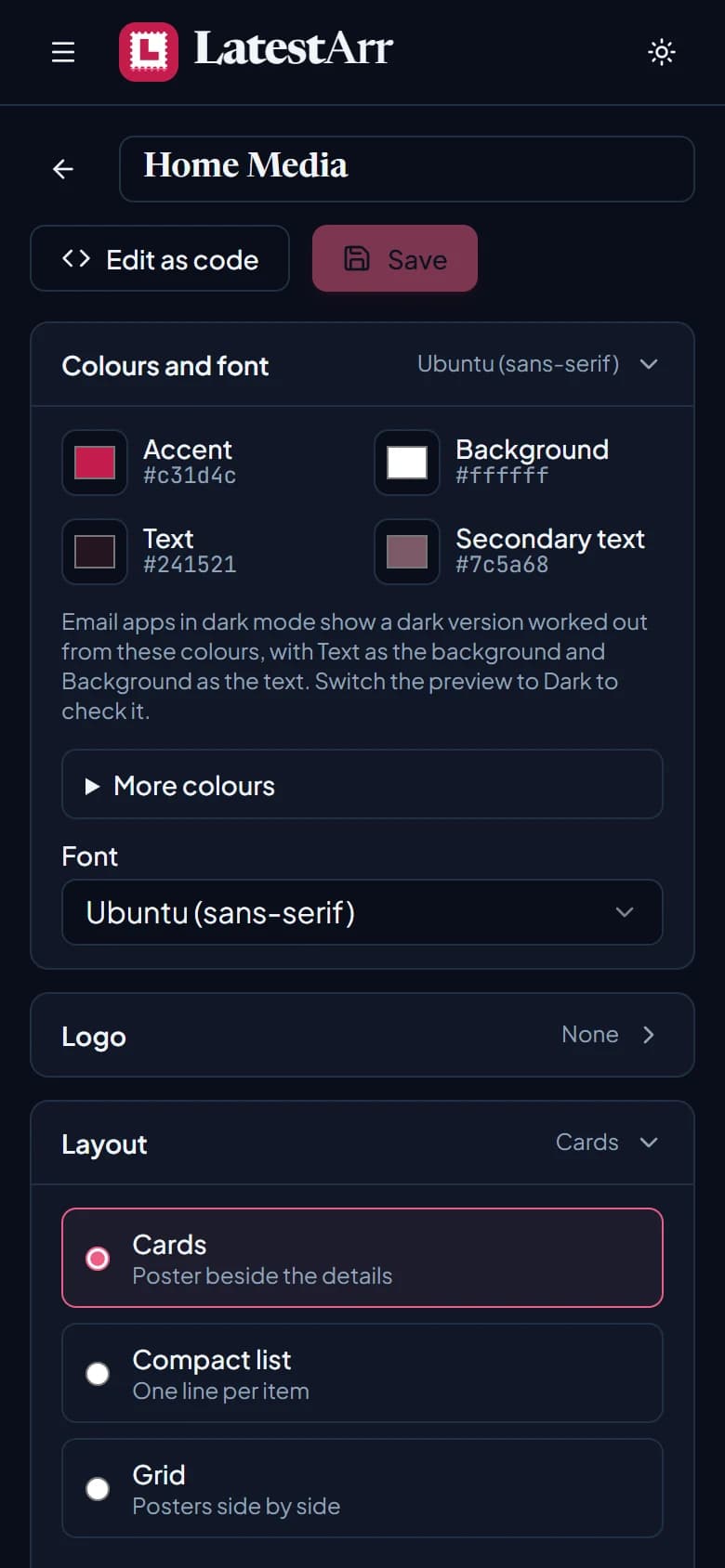
Design the email, watch it change
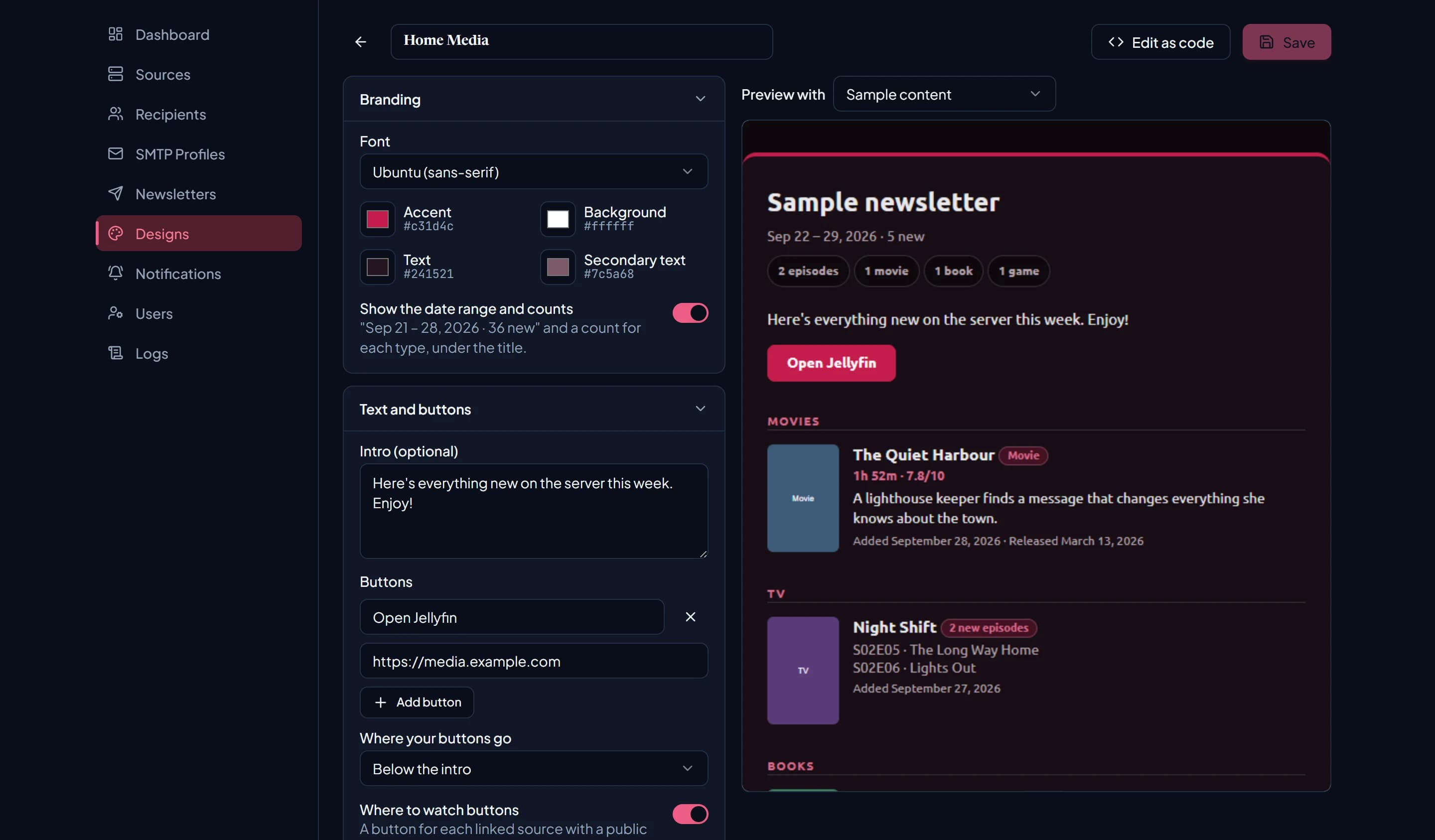
Choose colours and a font, add your logo, pick cards, a compact list, or a grid, and decide which details each item shows. Every change shows in the preview, in light or dark mode, and a contrast check flags colours that are hard to read.
Read the docs →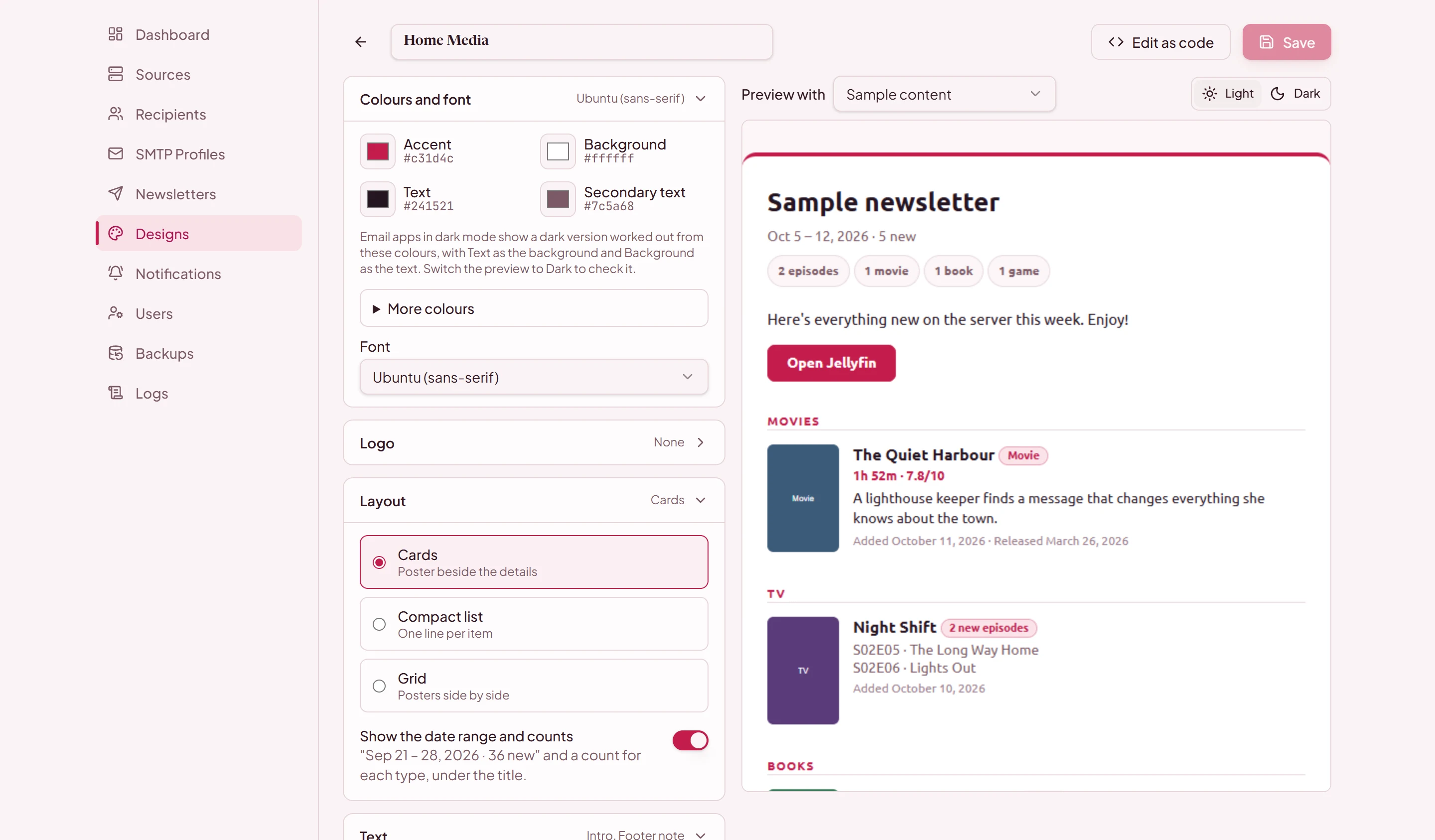
Buttons
Buttons that match your brand
Add up to four links of your own, and a Where to watch button for each server. Choose where they go, filled or outlined, and their shape, size, and colours.
Read the docs →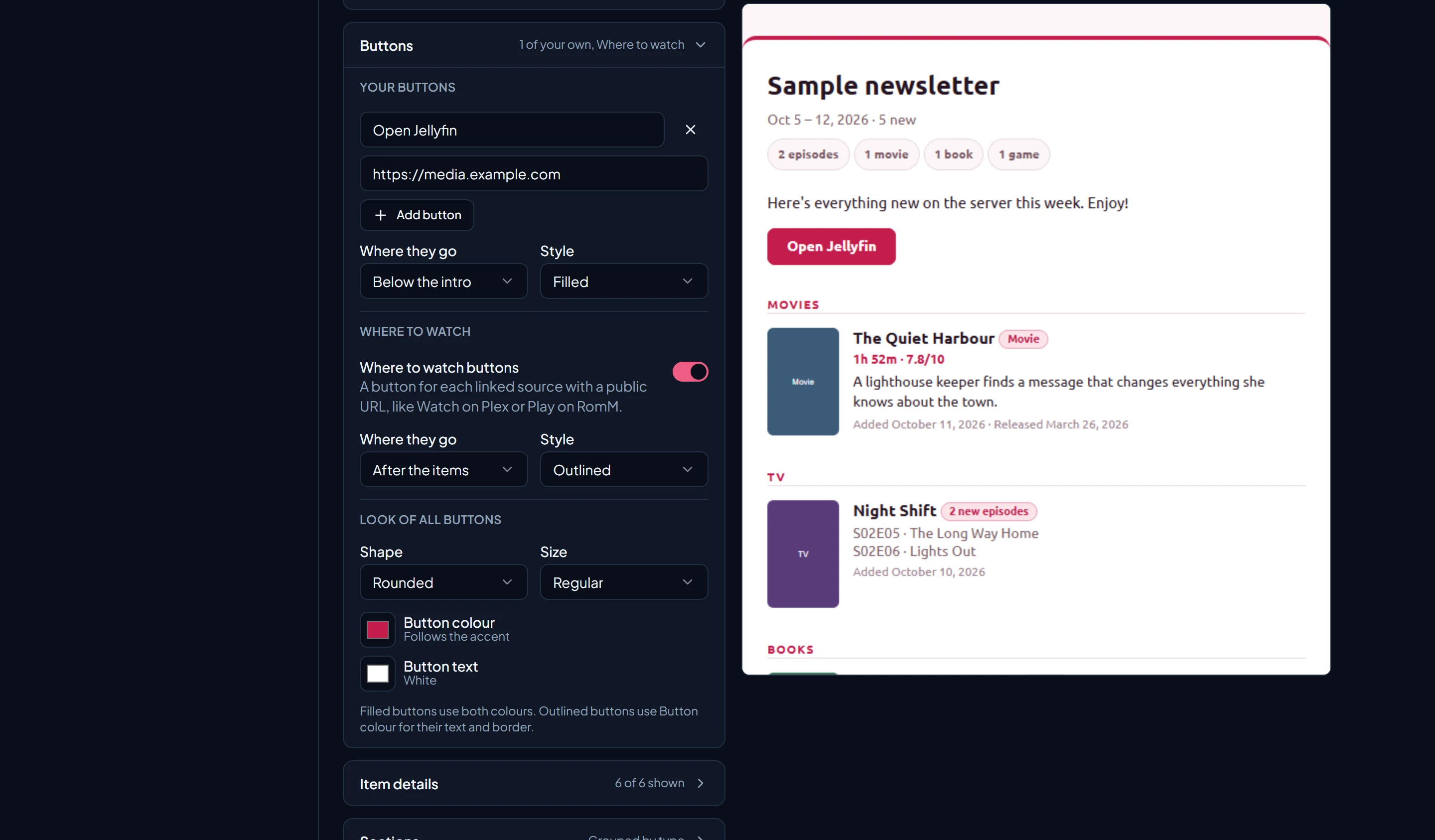
Newsletters
Subjects that write themselves
Put the date, the period, or what's new in the subject, and see the next one as you type. Preview the next issue and send yourself a test before it goes out.
Read the docs →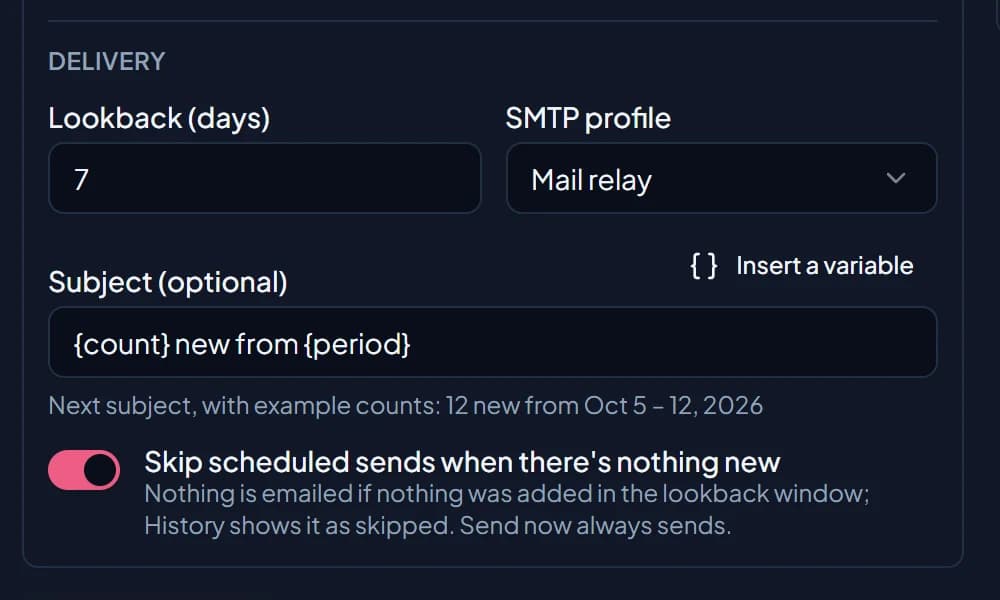
Recipients
Import a list, check it first
Paste a list, or upload a CSV or Excel file with a groups column. Review every new person, name change, and group before anything changes, and undo the import if you need to.
Read the docs →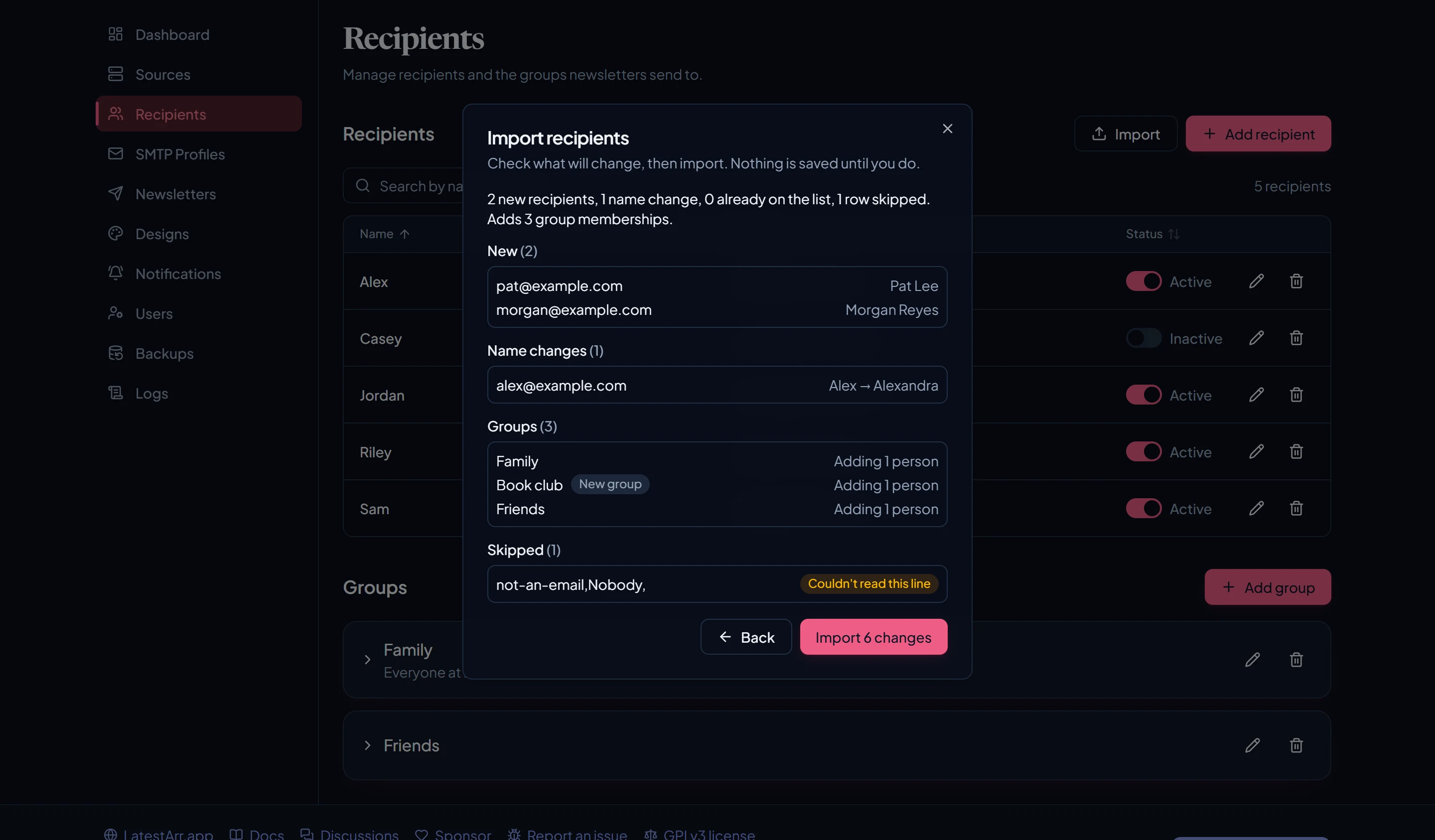
Roles
Share the work, not the keys
Editors run newsletters, designs, and recipients. Viewers can look but not change anything. Only admins touch sources, mail servers, users, and backups.
Read the docs →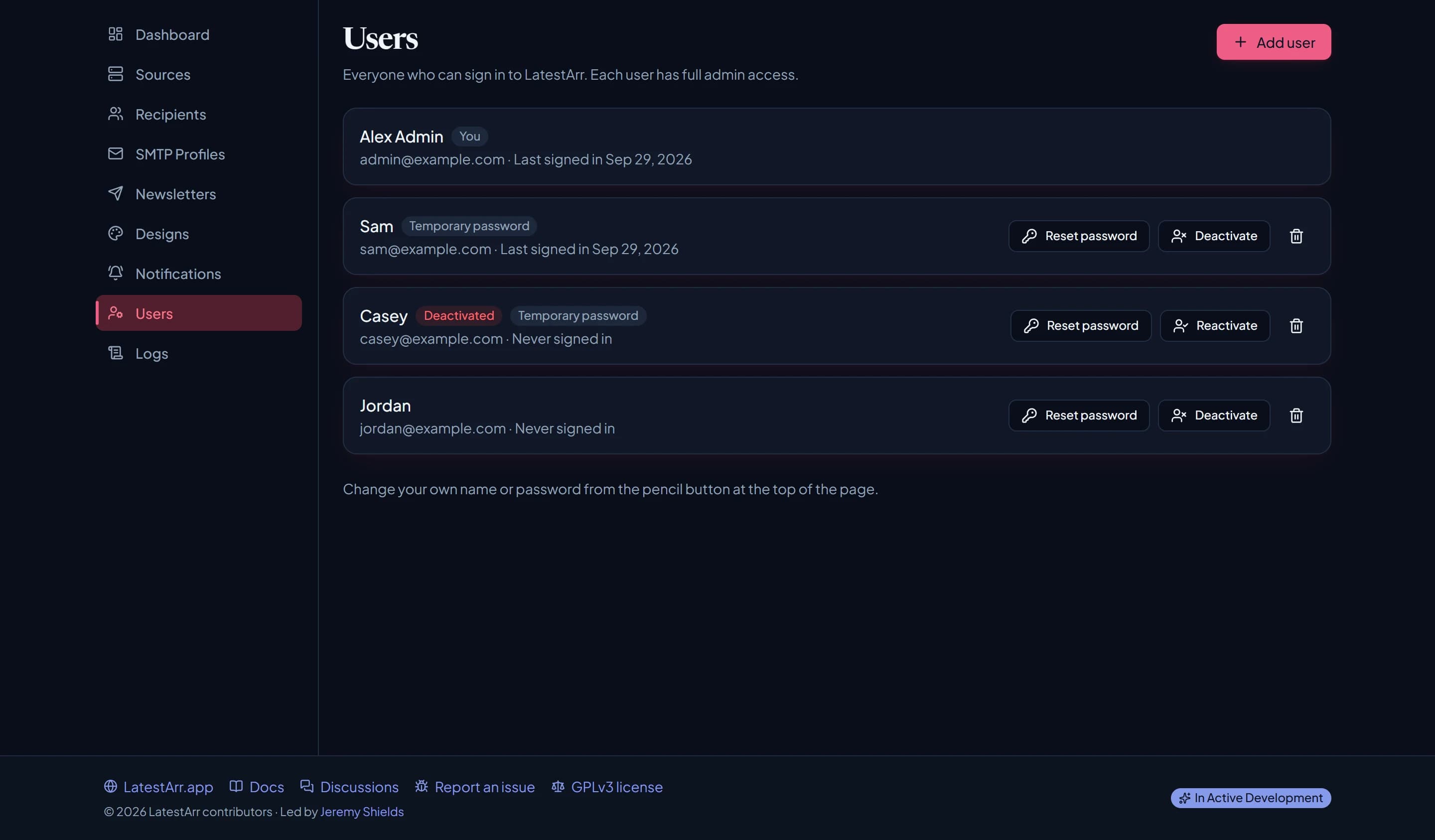
Backups
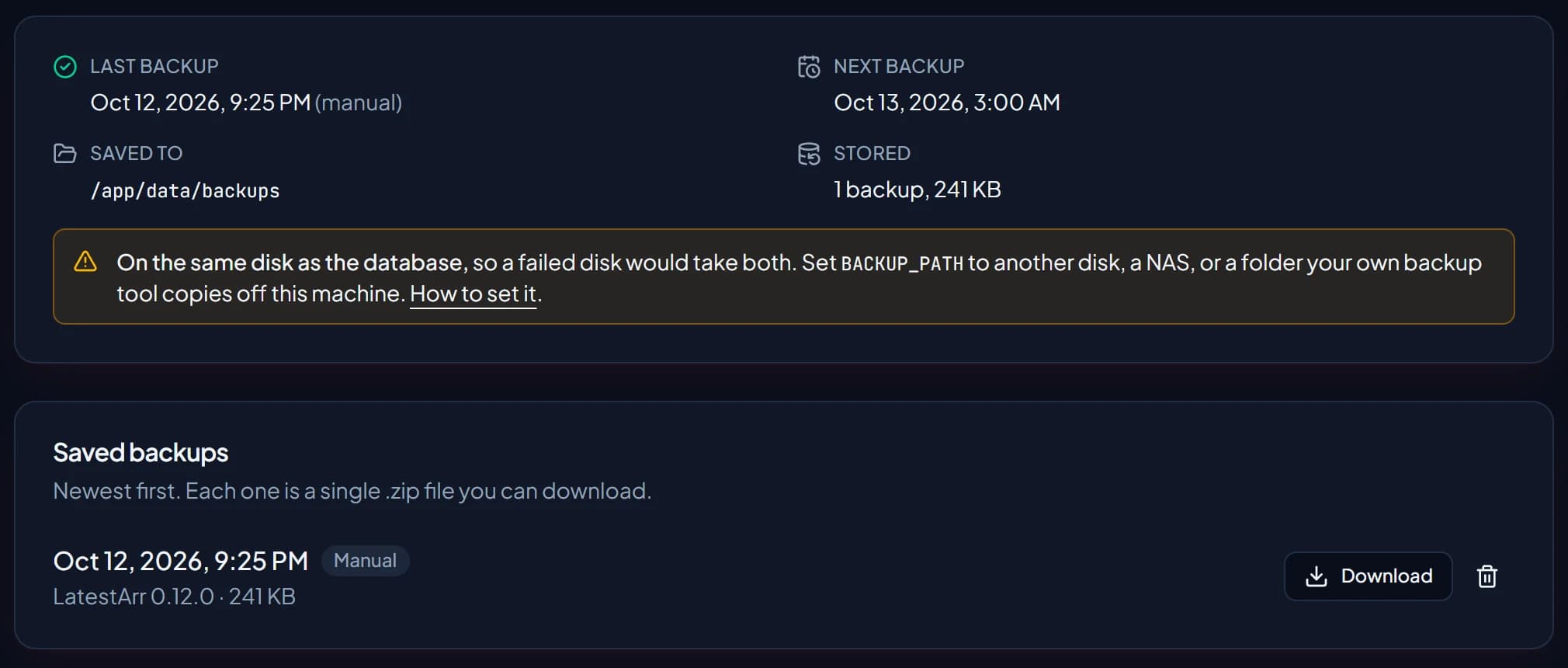
Backed up every night
A checked backup of the database every night and before every upgrade, kept by your rules. Save them to a NAS or another disk, and restore one in three commands.
Read the docs →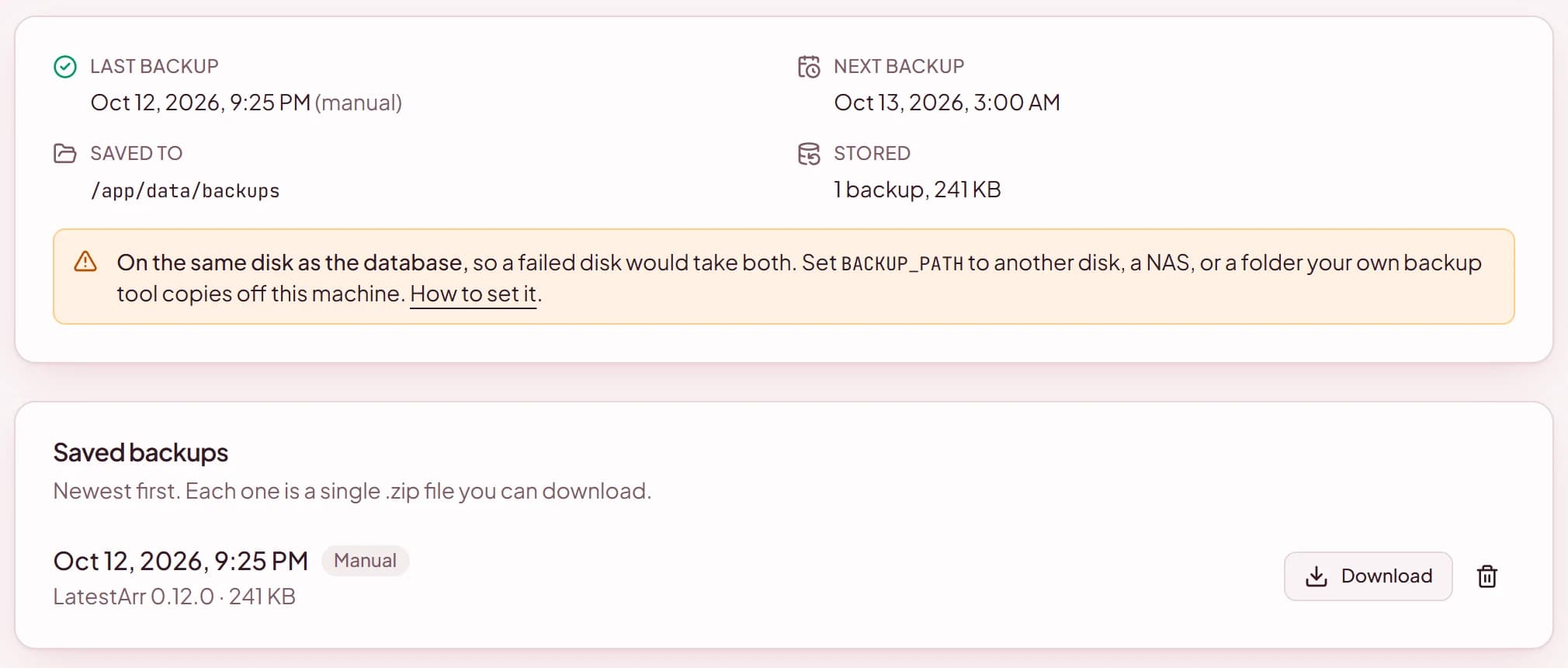
Project status, plainly
Worth knowing before you point it at your media server and mail account.
Early days, in active development
It's usable today, but expect rough edges, and an update may occasionally change how something works. Back up your data and encryption key before you update.
Built by AI, directed by a human
AI is the lead developer: the code, tests, and docs are written by Claude Code, Anthropic's AI coding agent. A human maintainer directs the work, reviews every change before it merges, and tests releases on a real setup. Weigh that when you decide how much to trust something that holds credentials.
Limited real-world testing
Testing so far is the maintainer's own setup. Plex, Jellyfin, Emby, BookLore, Grimmory, and Audiobookshelf still need testers; Jellyfin and Emby haven't been confirmed on a real server at all. Known gaps: no unsubscribe link yet (an editor or admin turns recipients off), and Gmail's mobile apps apply their own dark mode.
Help wanted
- Review the code, especially security, credentials, and email handling.
- Test sources, above all the ones marked “Needs testers” (Jellyfin and Emby, the rest), or any source on a setup unlike ours.
- Tell us what's missing on reliability, security, and maturity.
Issues · Discussions · Contributing · Report a vulnerability privately · How to help
One container, three commands
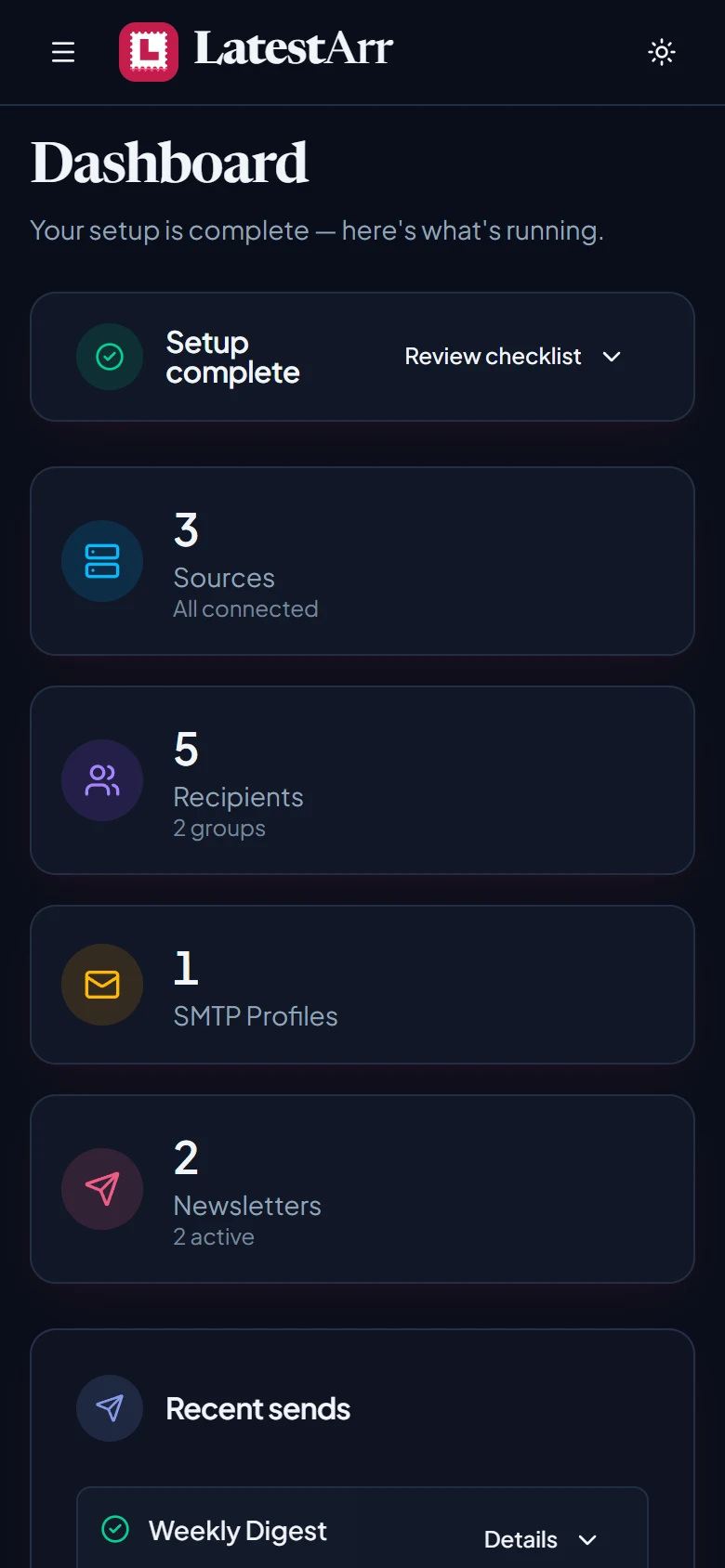
Everything runs in a single Docker container, with no separate database to set up. Open http://localhost:3000, create your account, and follow the checklist on the dashboard.
# set ENCRYPTION_KEY: openssl rand -base64 32
cp .env.example .env
docker compose pull
docker compose up -d